
AI 3D model generator
Describe it, then 3D print it
Type what you want — “a chunky dragon figurine on a round base” — and AI generates a 3D model in about a minute. Size it in millimetres and print it at home, or send it to a print service.
Free account · 10 AI tokens once you confirm your email · no card needed
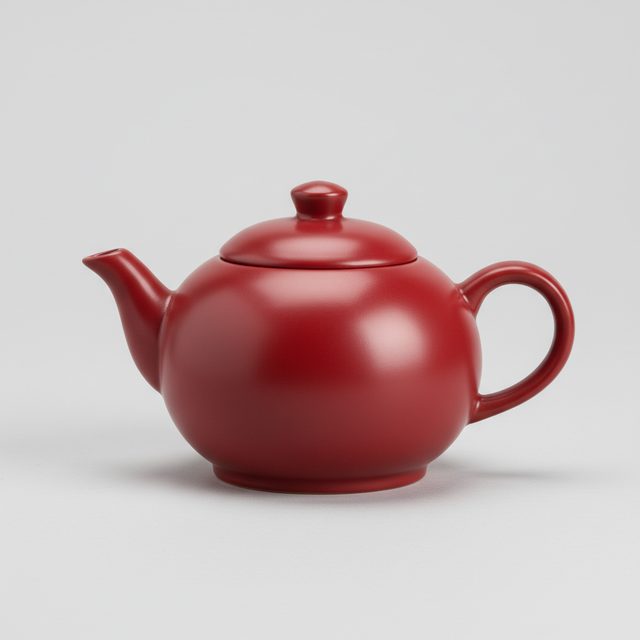
“a small red ceramic teapot”
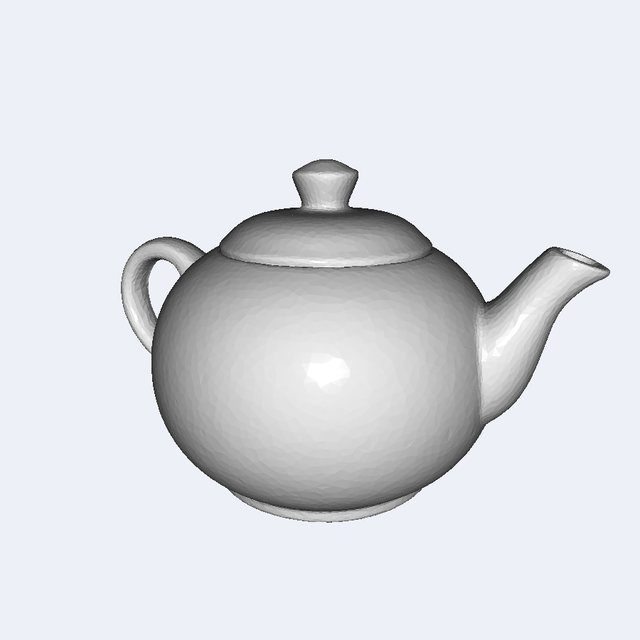
3D model, ready to print
From words to a printed object
- 1
Describe one object
Type it into the prompt bar under the 3D view. Mention the shape, style and colour.
- 2
Generate in SD or HD
The AI draws your idea and builds a 3D model from it. Choose HD when you plan to print.
- 3
Print it
Press Print in 3D to send it to a print service, or download a slicer-ready STL.
Prompts that print well
Printers like solid, chunky shapes. A few words about form make a big difference:
- Ask for a base — “…standing on a round base” prints without falling over
- Say chunky or stylised — thick limbs and simple forms survive printing better than thin spikes
- One object, whole — “a single…” keeps the AI from adding scenery
- Describe the style — “low-poly”, “cartoon”, “realistic”, “art deco”
Ideas to try
- “a chunky low-poly fox figurine on a round base”
- “a small art deco vase with vertical ribs”
- “a cute cartoon robot desk toy”
- “a fantasy treasure chest miniature, stylised”
- “a geometric planter with a flat bottom”
After it's generated
The model opens in the editor, where you can scale it, add simple shapes such as a base or a stand, or combine it with other models. When you press Print in 3D, choose which objects to include and the size; they print together exactly as placed.
Frequently asked questions
- Is it free?
- Yes, to start. A free account comes with 10 tokens once you confirm your email: a standard model costs 1 token and a high-detail model 5. Opening, editing, converting and exporting files is always free and needs no account.
- How long does generation take?
- Usually under a minute. The AI first draws a concept image of your description, then reconstructs the 3D model from it.
- Which 3D printers and slicers does the STL work with?
- All of them. The STL is a standard binary file in millimetres, standing upright (Z-up) on the build plate, so it opens directly in Cura, PrusaSlicer, Bambu Studio, OrcaSlicer, Chitubox, Lychee and the rest.
- I don't own a 3D printer. Can I still get it printed?
- Yes. Press Print in 3D in the editor, choose the size, and pick a print service. Craftcloud receives your model automatically and compares prices from over 150 print shops; JLC3DP, Treatstock and Shapeways open with your STL ready to upload. You order and pay on their site.
- What kinds of things work best?
- Single, recognisable objects: figurines, animals, vases, toys, props and décor. Scenes with many objects, text and precise mechanical parts work less well.
- How accurate is the model?
- AI reconstructs the object from what it can see, so it is excellent for figurines, toys, décor, keepsakes and props, and fills in hidden sides plausibly. It is not a measuring tool: for parts that must fit to the millimetre, use CAD software.
What would you print if you could make anything?
Describe it and see it in 3D in a minute.